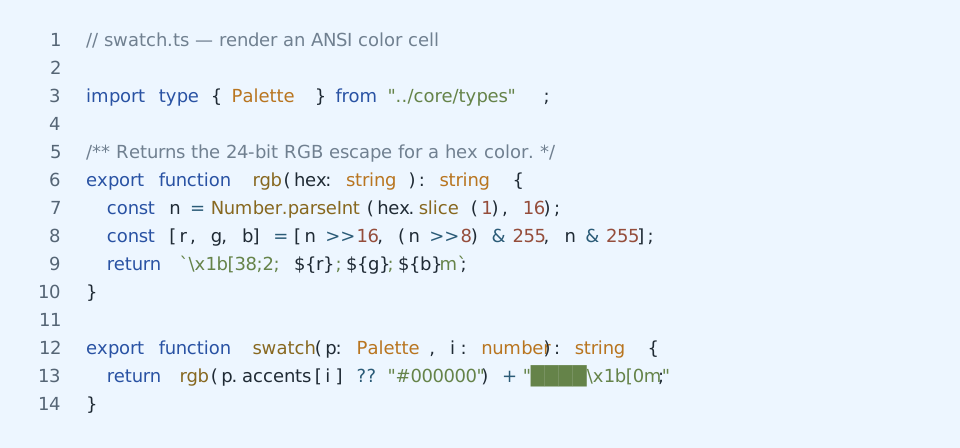
senzu
Canonical color scheme generator for terminal and editor themes
Custom themes for editors and tools, inspired by github.com/WTFox/jellybeans.nvim.
Herdr
Install one explicit variant into a regular Herdr config file:
senzu install herdr senzu-mutedSenzu preserves unrelated TOML settings and comments, creates a timestamped
backup, and prints the command for reloading Herdr. Use --dry-run to preview
the updated config. Senzu refuses to modify symlinked configs unless --force
is set.
For a Nix-managed Herdr config, consume the theme attrset instead of modifying the generated config file:
ad.programs.herdr.settings.theme = inputs.senzu.lib.herdrTheme "senzu-muted";All variants are also available under inputs.senzu.lib.herdrThemes.
Hunk
Hunk reads themes from its TOML config rather than standalone files, so senzu
ships merge-ready snippets in share/hunk/. For hunk >= 0.18, copy the tables
from share/hunk/<variant>.toml into ~/.config/hunk/config.toml and set
theme = "<variant>". For hunk <= 0.17, use share/hunk/<variant>.legacy.toml
instead, which fills the single-slot [custom_theme] table (theme = "custom").
Theme previews
Run pnpm readme:previews to regenerate these previews after changing or adding palettes.
Each preview uses the same packages/cli/src/core/swatch.ts code snippet shown by senzu preview.
Senzu
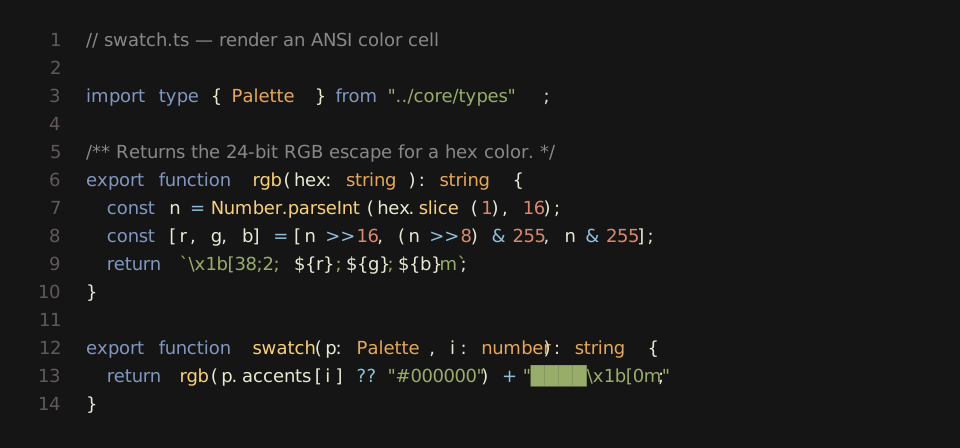
Senzu Light
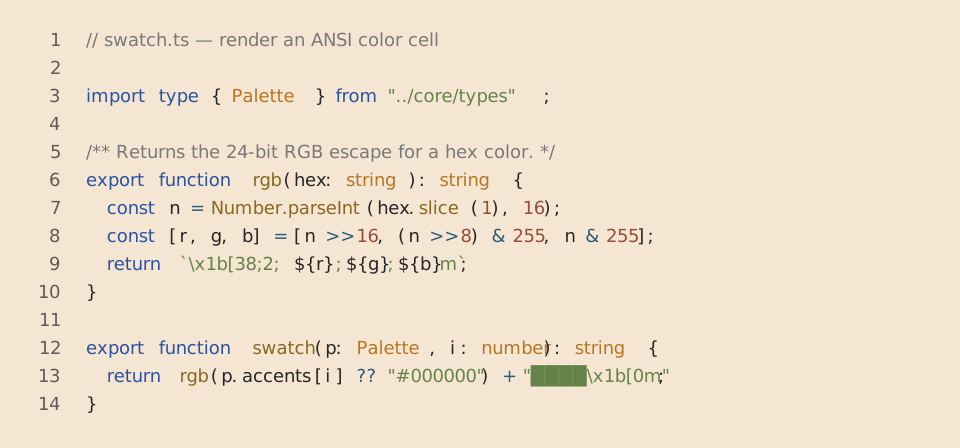
Senzu Mono
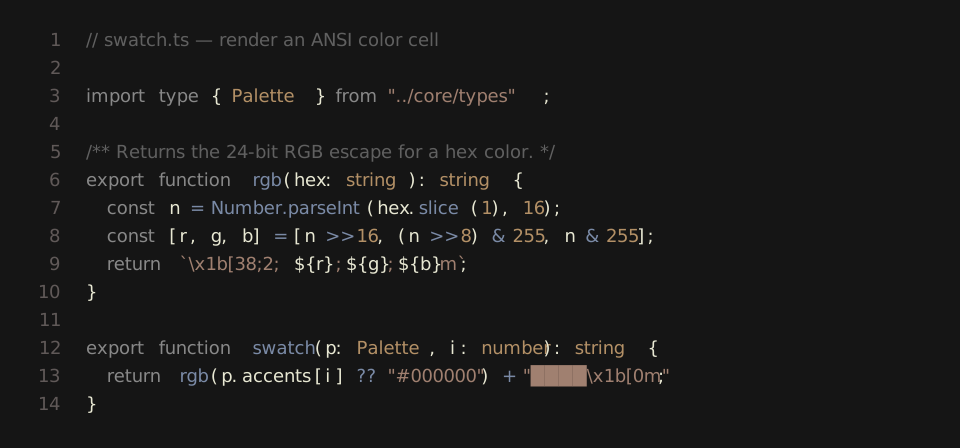
Senzu Mono Light
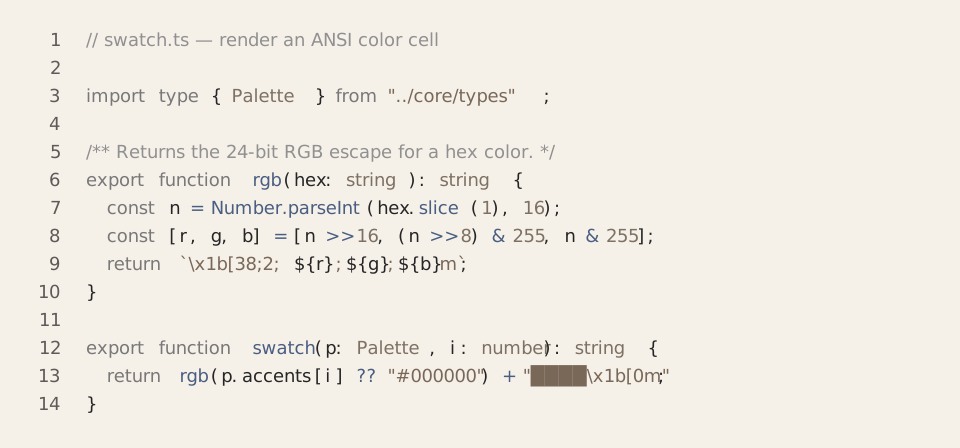
Senzu Muted
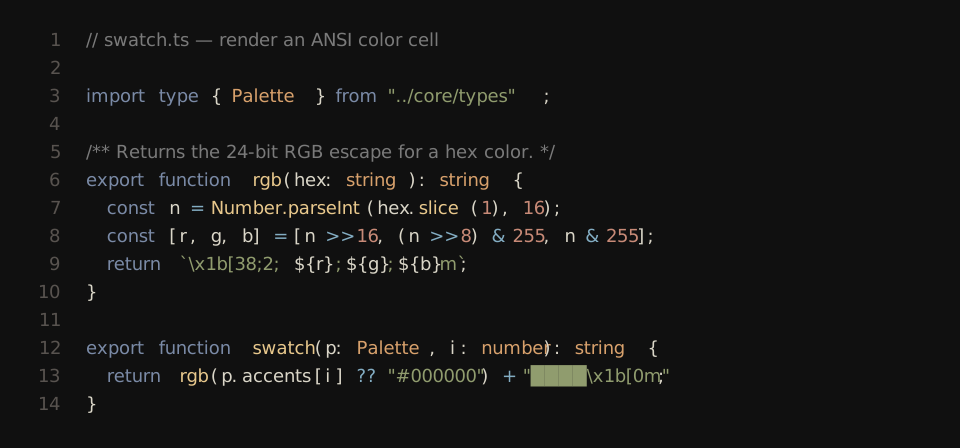
Senzu Muted Light
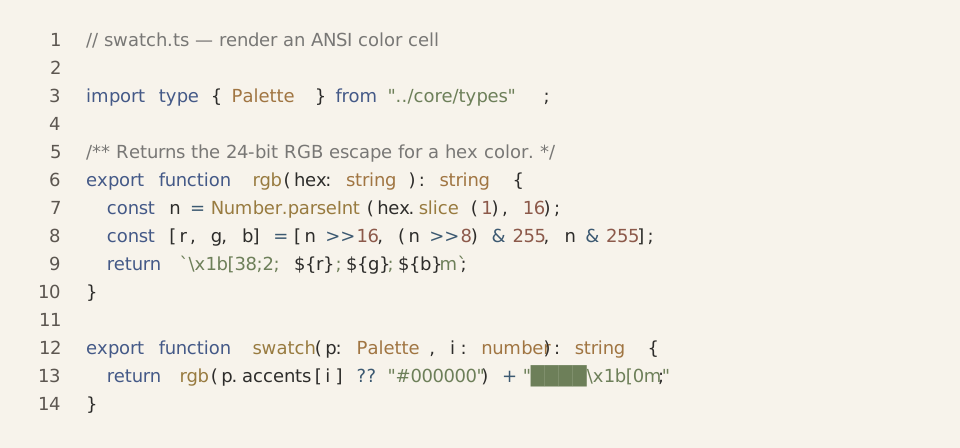
Senzu HC
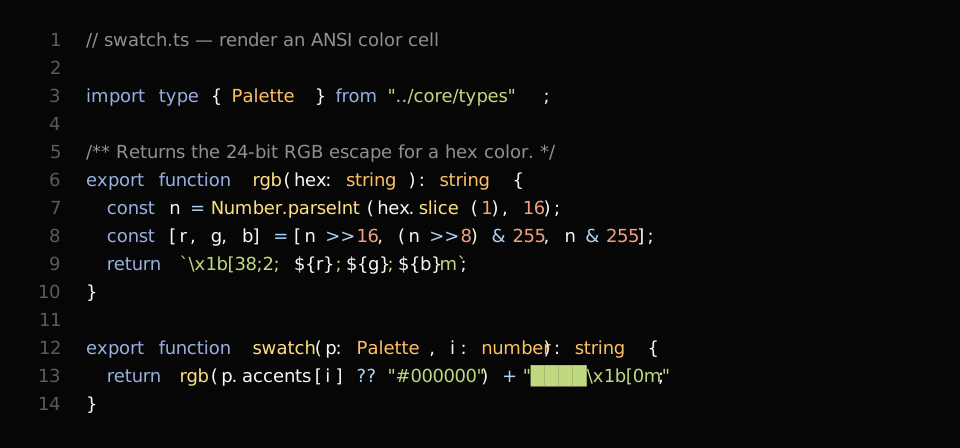
Senzu HC Light
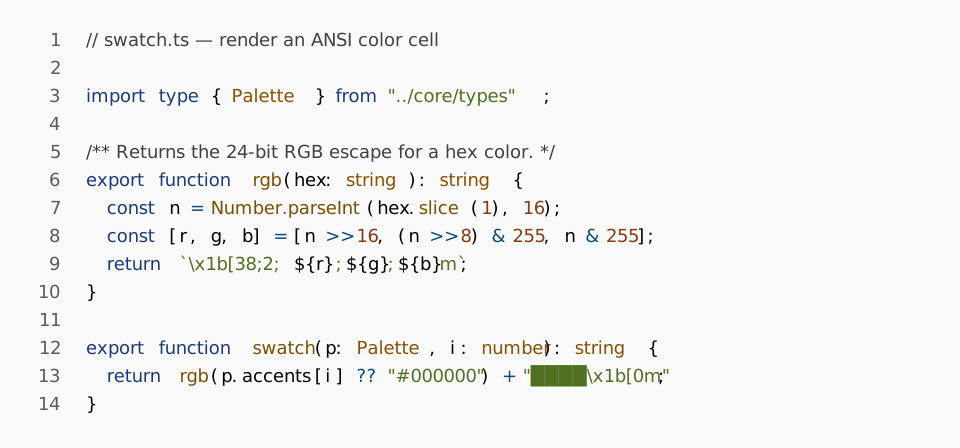
Senzu Warm
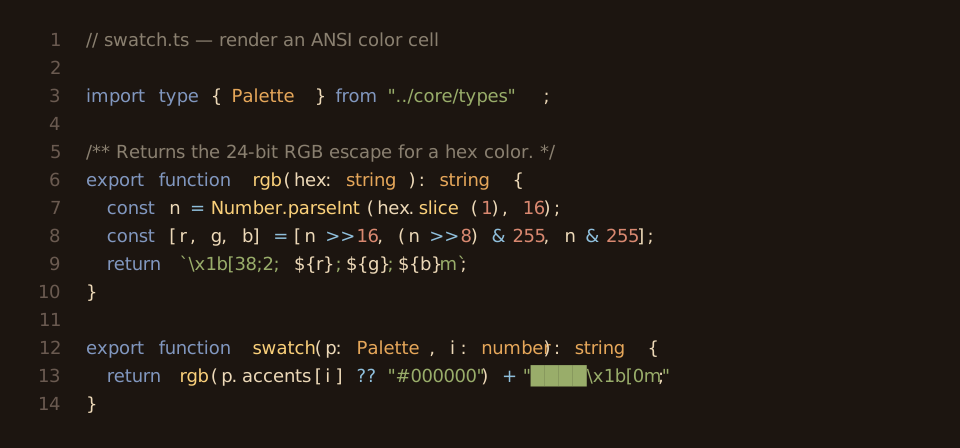
Senzu Warm Light
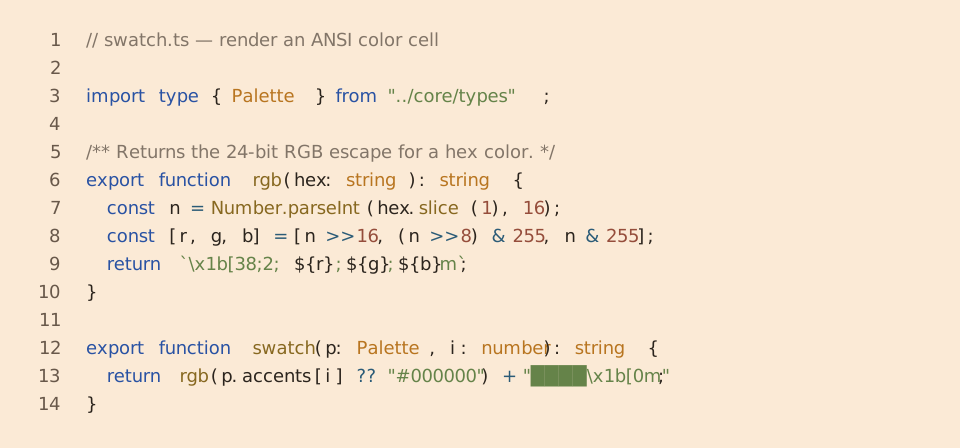
Senzu Cold
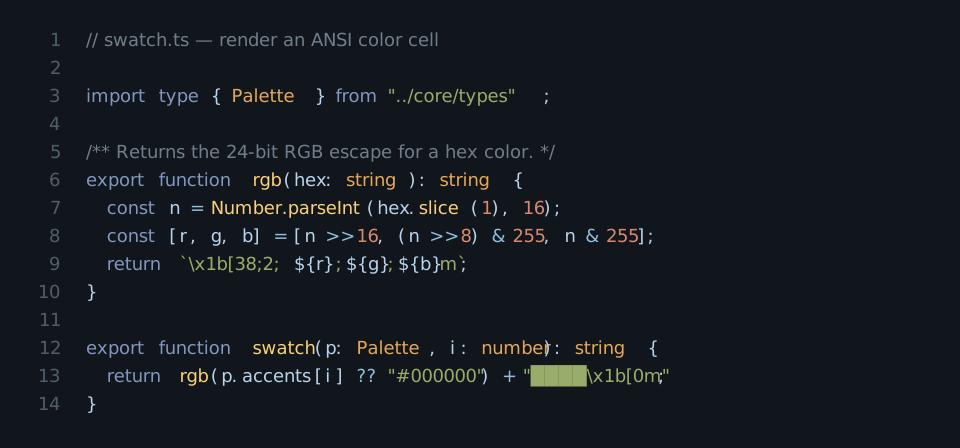
Senzu Cold Light