Aliou Diallo

TILs

May 2026

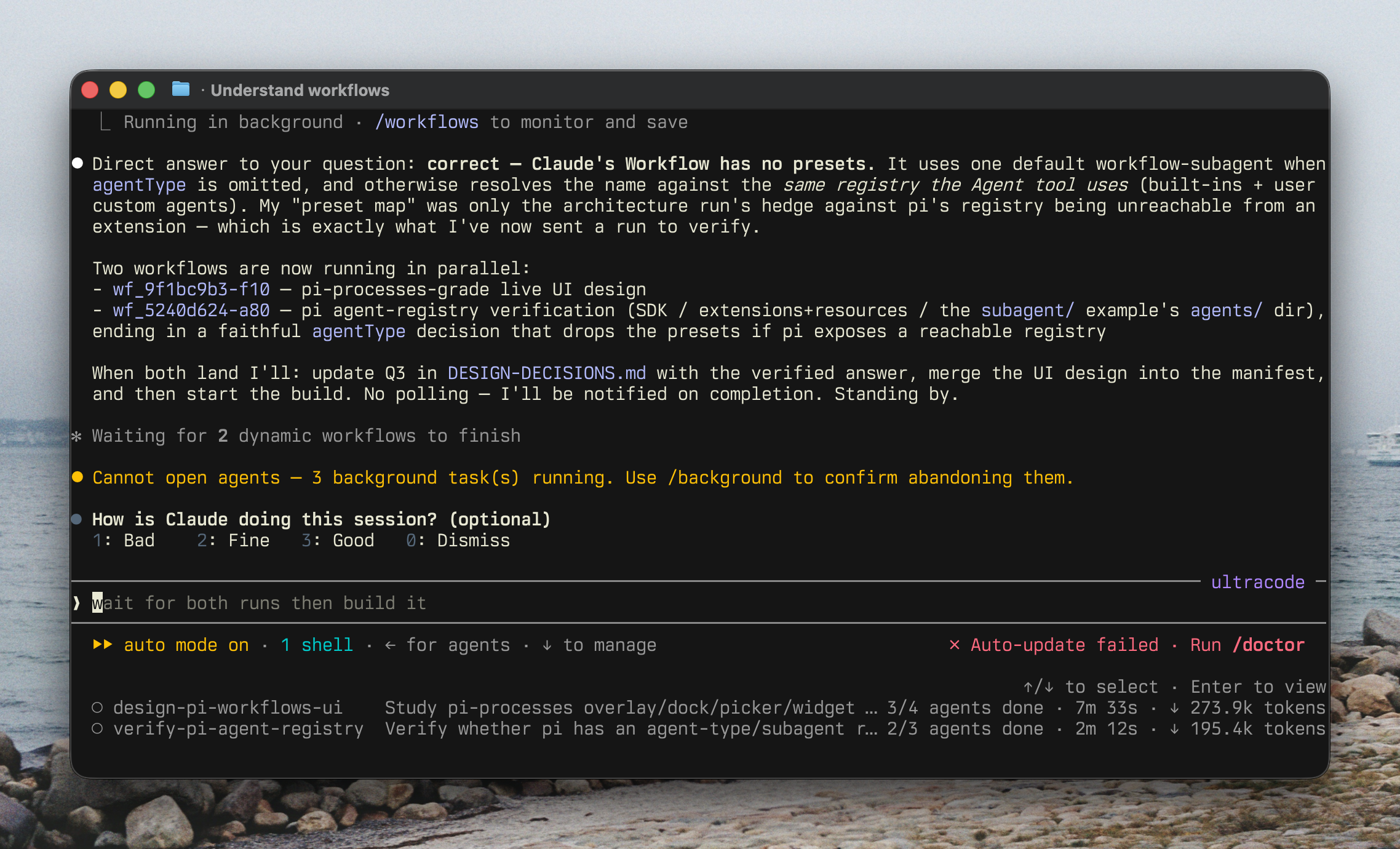
Thoughts on Claude Code’s Workflow feature

I like the idea of Claude’s workflow thingy but since it’s writing code, it keeps failing with these kind of errors:

In addition, the UI of Claude feels a bit overwhelming to me.

There’s also some strong validations around making the workflow deterministic and I wonder if it could still be handled? I’m also curious on why they’re not giving guidance to the model about this and/or linting workflow code to have this be caught before the harness runs the workflow.

Claude Opus’s fast mode

Missed that claude/opus has a fast mode so I had Pi make a quick extensionDon’t look too closely at that horrendous code that Kimi with reasoning disabled produced. to play with it. Below, a comparison with the vanilla Opus.

A prompt for knowledge gaps

Been using variations of this prompt every time I notice a gap in my knowledge. Choosing a starting point that I broadly understand and then throwing stuff I literally don’t know about works super well for me.

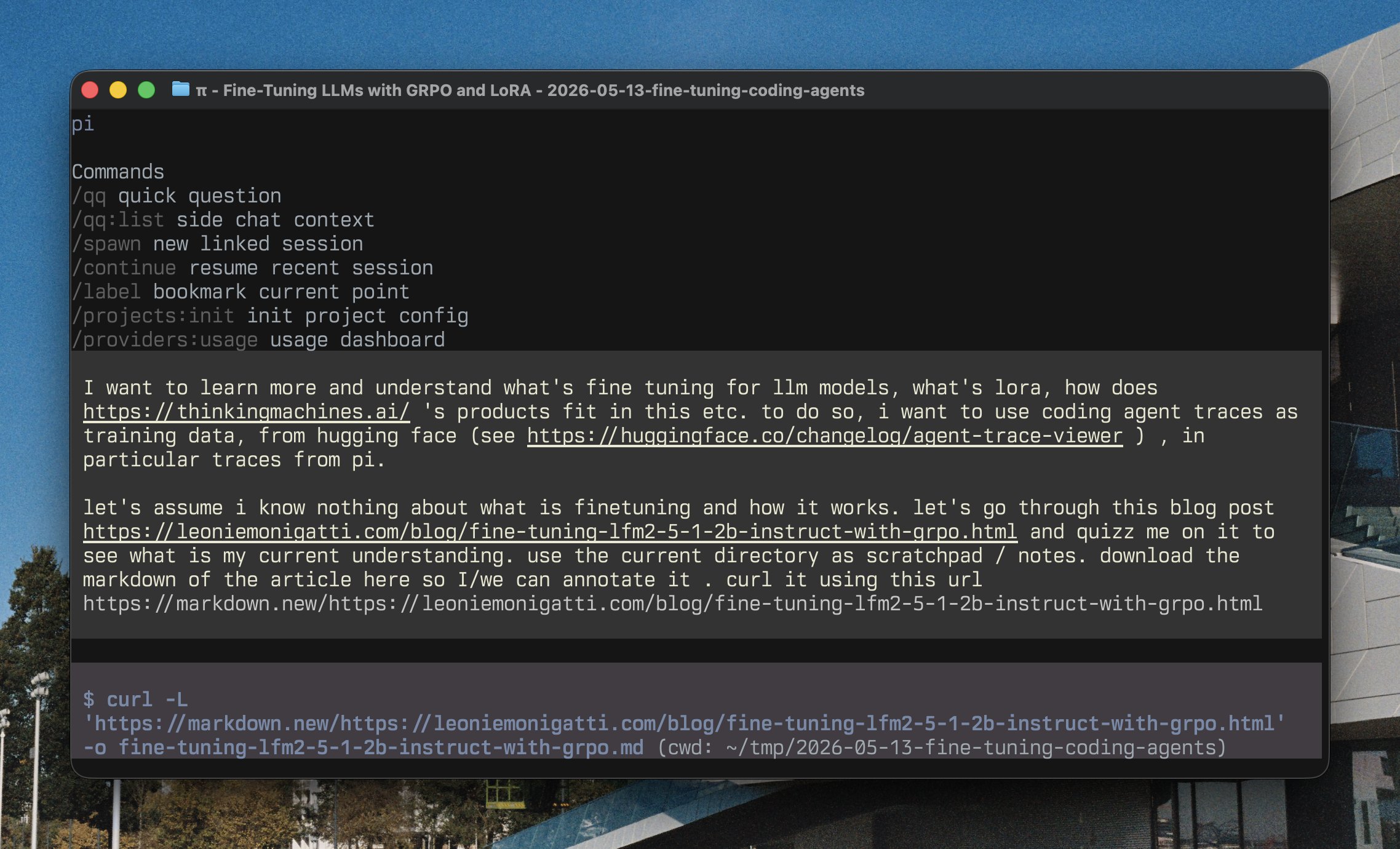
Knowledge gap prompt

Full verbatim prompt

I want to learn more and understand what’s fine tuning for llm models, what’s lora, how does https://thinkingmachines.ai/ ‘s products fit in this etc. to do so, i want to use coding agent traces as training data, from hugging face (see https://huggingface.co/changelog/agent-trace-viewer ) , in particular traces from pi.

let’s assume i know nothing about what is finetuning and how it works. let’s go through this blog post https://leoniemonigatti.com/blog/fine-tuning-lfm2-5-1-2b-instruct-with-grpo.html and quizz me on it to see what is my current understanding. use the current directory as scratchpad / notes. download the markdown of the article here so I/we can annotate it . curl it using this url https://markdown.new/https://leoniemonigatti.com/blog/fine-tuning-lfm2-5-1-2b-instruct-with-grpo.html

LLM CLI tools in shebang lines

New TIL: I figured out how to use my LLM CLI tool in a shebang line, which means you can write executable scripts in English, or hook up more complex scripts with a snippet of YAML template

@simonw

It’s becoming a meme at this point, but here’s a Pi extension to do the same:

Pi extension for LLM shebang scripts

Also watch GLM-5.1 completely overthink while trying to speed up the video and add a fast-forward overlay.

GitHub PR and issue autocomplete for Pi

Currently cleaning up a backlog of issues and PRs in a client’s repo and was tired of alt-tabbing between Pi and my browser, so made a quick Pi extension to autocomplete GitHub PRs and issues.

GitHub PR and issue autocomplete in Pi

Never going to use this ever again, but might be useful to other people so sharing it as a gist.

March 2026

Pi Init extension

Needed to scaffold a project this morning with an AGENTS.md and liked how Claude Code’s new /init looked, so had Pi figure out how it works and make its own version.

Another one-time use extension.

Source

Pi Init extension scaffolding a project
February 2026

When Opus thought it was on Linux

Got absolutely screwed by Opus thinking it was running on Linux instead of macOS while debugging some CLI stuff with tmux.

But the session of Opus figuring out what happened is pretty fascinating:

Also created a small tool that uses BM25 to find content in previous sessions. It’s super useful to just say “I was running a Pi session at the same time, could it be related?” This is completely borrowed from Amp.

January 2026

Using Kimi K2.5 with Pi via Synthetic

Very meta: wanted to use Kimi K2.5 via Synthetic, so I had Pi set up a one-off extension that creates the provider and defines its model. Then reloaded Pi and asked Kimi to create the Synthetic provider.

Pi Guardrails extension

Another one, but this one probably more for me than other people: guardrails!

Pi Guardrails extension in action

Pi Processes extension

Fun extension I made for Pi: processes. Let your agent handle running processes in the background and be notified when they finish / die etc.

Pi Processes extension demo

Jellybeans theme for Pi

Ported by beloved jellybeans-mono for Pi, both dark and light!

Jellybeans theme light mode

Jellybeans theme dark mode

August 2025

In-Memory DuckDB with GCS Parquet Files in Cube

I needed to quickly investigate some data and used the following pattern to do so. Using the model of an e-commerce store as example, here’s what I did.

The Setup

First, setup a cube.js defining the dbType:

module.exports = {
  dbType: 'duckdb',
}

Then, define the driverFactory, and configure the access to the GCS bucket:

const driverFactory = async () => {
  const { DuckDBDriver } = require('@cubejs-backend/duckdb-driver');

  return new DuckDBDriver({
    database: ':memory:',
    initSql: `
      INSTALL httpfs;
      LOAD httpfs;

      CREATE SECRET (
        TYPE gcs,
        KEY_ID 'YOUR_KEY_ID',
        SECRET 'YOUR_SECRET_ID'
      );
    `,
  });
}

Finally, add to initSql the commands to setup our views and access our data:

CREATE VIEW orders AS
SELECT * FROM read_parquet('gs://tmp-bucket/orders/*.parquet');

CREATE VIEW products AS
SELECT * FROM read_parquet('gs://tmp-bucket/products/*.parquet');

CREATE VIEW line_items AS
SELECT * FROM read_parquet('gs://tmp-bucket/line_items/*.parquet');

CREATE VIEW users AS
SELECT * FROM read_parquet('gs://tmp-bucket/users/*.parquet');

CREATE VIEW inventory_transactions AS
SELECT * FROM read_parquet('gs://tmp-bucket/inventory/*.parquet');

Key Implementation Details

Views, Not Tables: I specifically used CREATE VIEW instead of CREATE TABLE AS to avoid loading all the data into memory. Views just store the query definition - DuckDB streams the Parquet data chunk by chunk when you actually query it. With tables, DuckDB would copy everything into its internal format, eating up memory or disk space.

Zero Infrastructure: The :memory: database means no provisioning. Each Cube process gets a fresh DuckDB instance that reads directly from existing Parquet files.

Direct Access: No ETL pipeline, no data loading. The read_parquet() function streams data directly from GCS, and DuckDB’s columnar engine only fetches the columns needed for each query.

Wildcard Patterns: The /*.parquet pattern lets you treat multiple files as a single table without any preprocessing. Perfect for data that’s already partitioned by date or other dimensions.

Performance Characteristics

In this example, you could run complex queries across orders, products, line items, and inventory - joining across millions of rows within seconds. What would normally require hours of data pipeline setup can be done immediately.

DuckDB’s aggressive caching means the first query might take a few seconds to fetch metadata, but subsequent queries run pretty much instantly even on larger datasets.

Trade-offs

Benefits:

  • Zero data movement—queries run directly against GCS files
  • No infrastructure to manage
  • Instant setup for ad-hoc analysis
  • Reuses existing Parquet files from other processes

Drawbacks:

  • :memory: means state vanishes on restart
  • Not suitable for production workloads
  • Performance degrades on datasets larger than available RAM

Notes

This pattern works for any quick data investigation. Got Parquet files? Throw them in GCS, point Cube at them with this config, and you’re analyzing data in minutes. For more permanent setups, swap :memory: for a file path to persist the DuckDB catalog between restarts.

Your data lake is already an OLAP database. You just need DuckDB to unlock it.

Template Literal Types for Dynamic API Generation

Continuing my work on cube-records, I wanted to support joined field names like orders.total or users.email - matching exactly how the underlying Cube names them. Instead of manually defining these combinations, TypeScript’s template literal types generate them automatically.

The Pattern

Here’s a simplified version of the Cube schema:

// User defines their schema
interface Schema {
  users: {
    fields: { id: string; email: string };
    joins: ['orders'];
  };
  orders: {
    fields: { total: number; status: string };
    joins: [];
  };
}

Then, we use a template literal type to defined our joined fields:

// Template literal magic
type JoinedFields<T extends keyof Schema> =
  Schema[T]['joins'][number] extends infer Join
    ? Join extends keyof Schema
      ? `${Join}.${keyof Schema[Join]['fields'] & string}`
      : never
    : never;

Finally, we can also use the type to create our own custom type.

// TypeScript now knows these fields exist:
type UserJoinedFields = JoinedFields<'users'>;
// Result: 'orders.total' | 'orders.status'

The infer keyword extracts each join name, then template literals compose the dot-notation paths.

Usage

With the schema defined above and our new type, we can define a Query type like the following:

type Query<T extends keyof Schema> = {
  model: T;
  fields: (Schema[T]['fields'] & JoinedFields<T>)[];
}

And in our code, we can declare a query serenely thanks to the type system preventing us from writing a query with invalid fields:

const query: Query = {
  model: 'users',
  fields: [
    'email',          // ✓ users field
    'orders.total',   // ✓ joined field
    'orders.status',  // ✓ joined field
    'invalid.field'   // ✗ Type error
  ]
};

The real implementation has more conditionals for safety, but the core idea remains the same: extract the join names, then use template literals to compose the field paths.

Trade-offs

Benefits:

  • Zero maintenance—add a field to the schema, get autocompletion everywhere
  • Catches typos at compile time instead of runtime
  • Scales to hundreds of field combinations without manual work

Drawbacks:

  • Type computation can slow down in massive schemas
  • Error messages become cryptic when deeply nested
  • Only works with predictable string patterns

Notes

This pattern shines when you control the schema and need to generate predictable string patterns. It’s less suitable for user-defined schemas or when you need runtime validation anyway. The sweet spot is internal APIs where you want compiler-enforced consistency between your types and runtime behavior.

What you don’t write is as important as what you do. No manual string unions. No keeping field lists in sync. Add a new join relationship, and TypeScript immediately knows about every possible field combination.

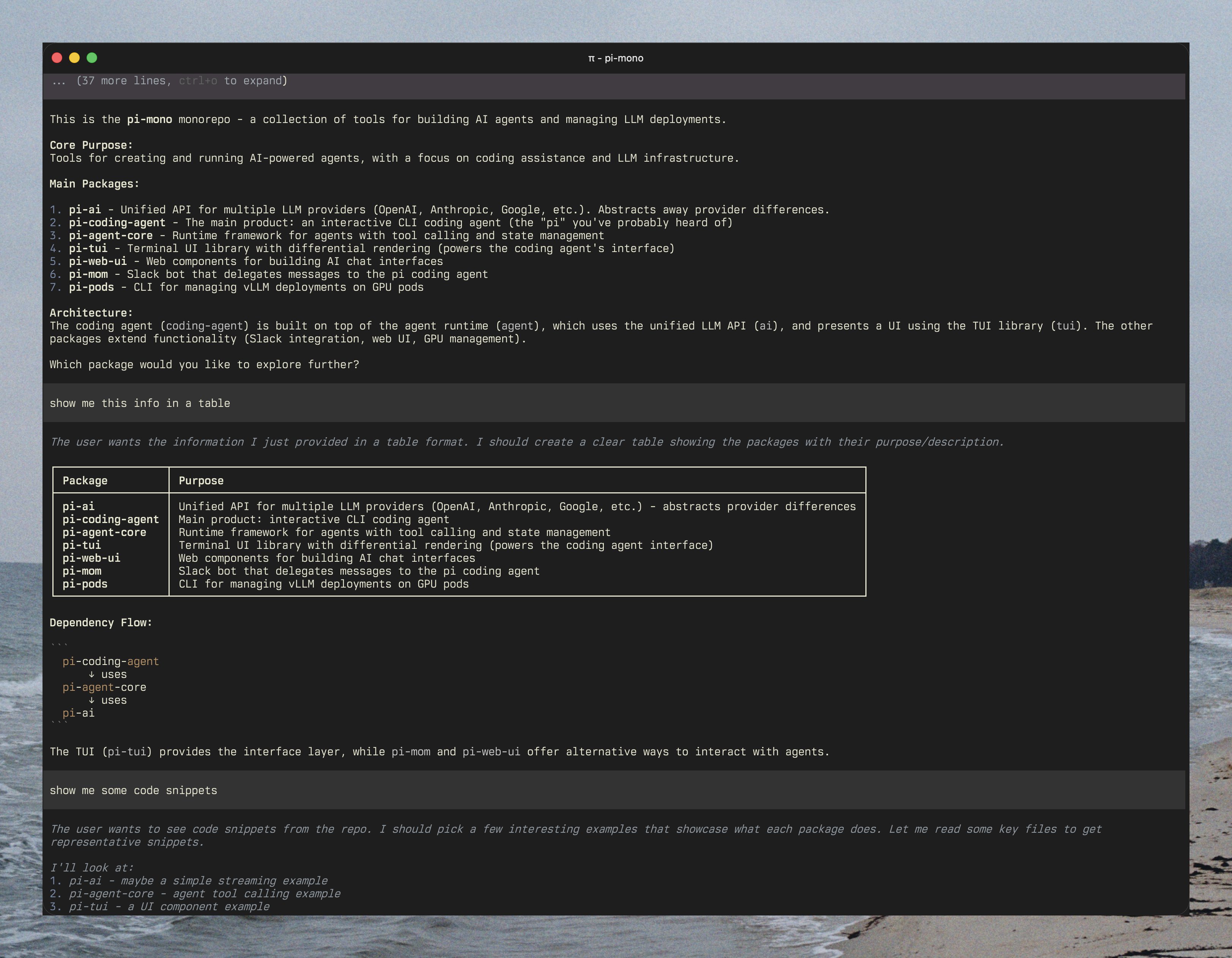
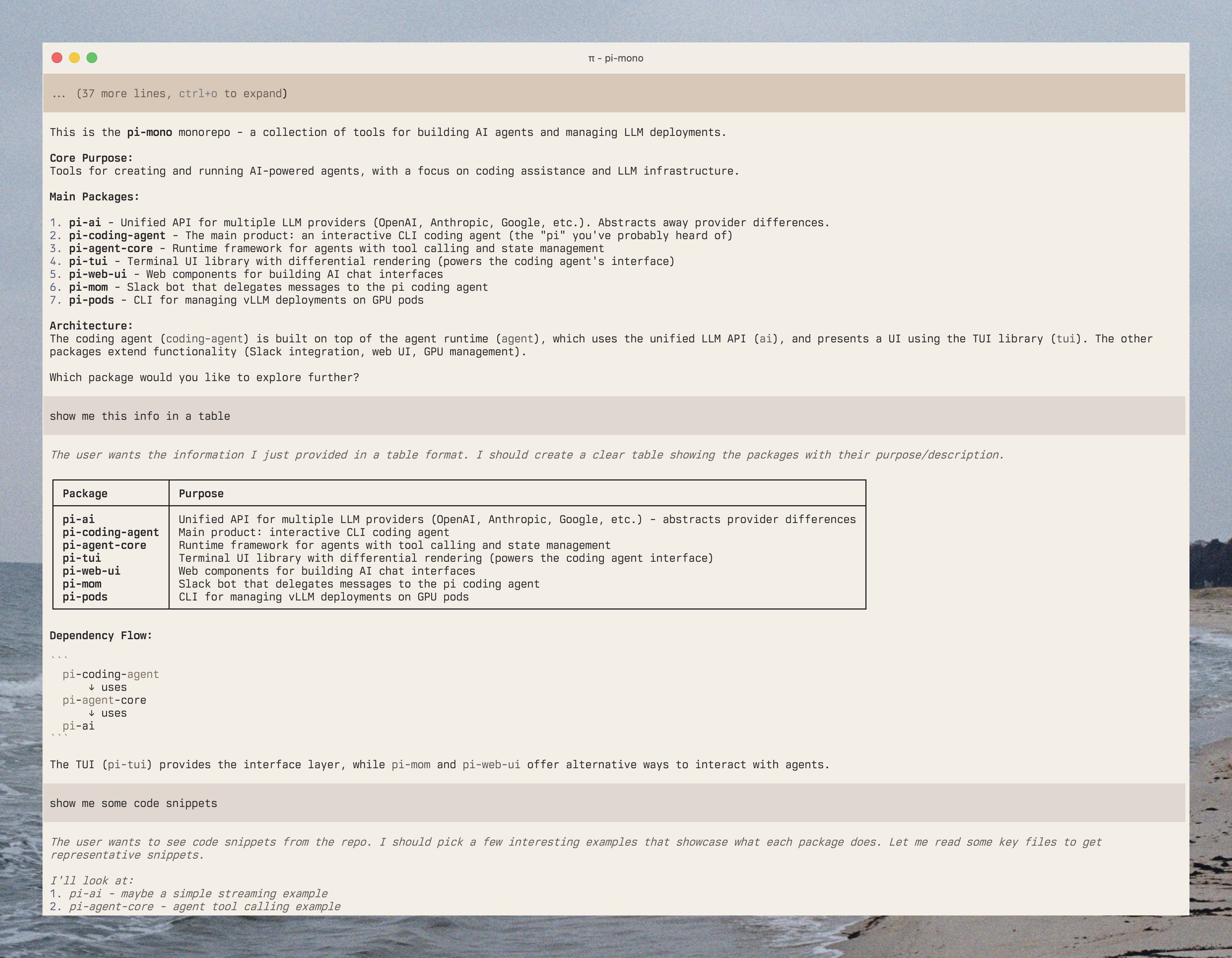
Smooth Theme-Aware Images with CSS Transitions

When Ghostty came out, I wrote this blog post which contained a few screenshots. I forgot how I managed to have both light and dark mode work seamlessly in Eleventy, so I figured I’d write it down for future me or anyone that sees this.

The Pattern

I use an Eleventy shortcode that conditionally renders different images based on theme preference. The basic version wraps images in figure tags with captions:

config.addShortcode('image', (src: string, alt: string, withDarkMode = false) => {
  const lastDotIndex = src.lastIndexOf('.');
  const basePath = src.slice(0, lastDotIndex);
  const extension = src.slice(lastDotIndex);

  const lightPath = `${basePath}-light${extension}`;
  const darkPath = `${basePath}-dark${extension}`;

  return `<figure>${
    withDarkMode
      ? `<img class="not-dark:hidden" src="${darkPath}" alt="${alt}">` +
        `<img class="dark:hidden" src="${lightPath}" alt="${alt}">`
      : `<img src="${src}" alt="${alt}">`
  }<figcaption>${alt}</figcaption></figure>`;
});

Smooth Transitions

The images would swap instantly when toggling themes, which felt jarring. Adding Tailwind’s transition utilities creates a cross-fade effect:

withDarkMode
  ? `<img class="not-dark:hidden not-dark:opacity-0 dark:opacity-100 starting:dark:opacity-0 transition-discrete transition-opacity duration-1000" src="${darkPath}" alt="${alt}">` +
    `<img class="dark:hidden dark:opacity-0 not-dark:opacity-100 starting:not-dark:opacity-0 transition-discrete transition-opacity duration-1000" src="${lightPath}" alt="${alt}">`
  : `<img src="${src}" alt="${alt}">`

The starting: modifiers prevent the fade animation on initial page load, which I borrowed from how Tailwind’s own docs handle theme switching.

Usage

Now {% raw %}{% image "ghostty-screenshot.png" "Terminal with ligatures" true %}{% endraw %} automatically looks for ghostty-screenshot-light.png and ghostty-screenshot-dark.png, then smoothly transitions between them when you toggle themes.

Trade-offs

Benefits:

  • Smooth 1-second cross-fade between theme variants
  • Both images preload—no flicker on theme switch
  • Simple to maintain with clear naming conventions

Drawbacks:

  • Downloads both variants even if user never switches themes
  • Requires maintaining two versions of every screenshot

Notes

This approach works well for static sites where you control every image. For dynamic content or high-traffic sites, you’d want lazy loading for the hidden variant or CSS filters for automatic adjustments.

References

Figured how to create custom shortcode after reading this article by Anh.

Type-Safe Domain Models with Interface Augmentation in TypeScript

While working on @general-dexterity/cube-records, I needed a way to defineOr use codegen with another library. my domain-specific Cube models in a way that would provide type-safe autocompletion. The solution was ended up pretty simple: global interface augmentation.

The Problem

The lib defines an empty global interface that users can augment with their own cube definitions. However, after publishing, I discovered that tsup was optimizing the empty interface into a type alias during the build:

// What we write
export interface CubeRecordMap {}

// What tsup outputs with dts: true
export type CubeRecordMap = {}

// Now augmentation fails
declare global {
  interface CubeRecordMap { // Error: can't augment a type alias
    users: { /* ... */ }
  }
}

The Solution

Adding a dummy property prevents this optimization:

export interface CubeRecordMap {
  __empty: {
    measures: {};
    dimensions: {};
    joins: [];
  };
}

That __empty property isn’t arbitrary - it ensures the interface remains augmentable through the entire build pipelineThis is specifically a build tool optimization when generating declaration files, not a TypeScript language limitation. .

Implementation

Users can now extend the interface in their projects:

declare global {
  interface CubeRecordMap {
    users: {
      measures: { count: { type: number } };
      dimensions: {
        id: { type: string };
        email: { type: string };
      };
      joins: readonly ['orders'];
    };
    // ... other models and views
  }
}

The library extracts type-safe cube names and fields:

type CubeRecordName = keyof CubeRecordMap;
type CubeRecordMeasure<T extends CubeRecordName> =
  keyof CubeRecordMap[T]['measures'] & string;

Trade-offs

Benefits:

  • Interface stays augmentable through the build pipeline
  • Zero runtime overhead - types exist only at compile time
  • Incremental cube definitions with immediate IDE support

Drawbacks:

  • The interface includes a dummy property
  • Requires some documentation to explain the pattern

Notes

This isn’t just for my personal benefitsEven though it was pretty fun to try to figure this out. , this pattern provides domain-specific autocompletion without runtime cost. Instead of searching through Cube models for field names, TypeScript provides instant feedback as you type.

Adding Custom Language Support to Shiki

While writing my Ghostty blog post, I wanted syntax highlighting for the configuration snippets. Since Shiki doesn’t support Ghostty’s config format, I added a custom language definition.

const ghostty = {
  name: 'ghostty',
  scopeName: 'source.ghostty',
  fileTypes: ['ghostty'],
  repository: {},
  patterns: [
    {
      include: '#strings',
    },
    {
      name: 'comment.line.number-sign.ghostty',
      match: '^\\s*#.*$',
    },
    {
      match: '\\b(font-family|font-feature)\\b',
      name: 'keyword.other.ghostty',
    },
  ],
};

I only defined patterns for comments (#) and the font keywords I was actually using. The grammar follows TextMate rules but doesn’t try to implement the full Ghostty spec - just enough for my examples.

highlighter = await createHighlighter({
  themes: ['github-dark', 'github-light'],
  langs: ['ruby', 'javascript', 'json', 'elixir', 'typescript', ghostty],
});